
Offsets & layouts
Move conduit around obstacles and keep runs aligned.
- Offsets
- Rolling Offsets
- Kicks
- Rack Layouts
Field guide / for electricians
Get the marks, angles, and bend order before you pick up the bender. Offsets, saddles, electrical calculations, and more—ready for the jobsite.
Available on iPhone and Android


No account required / Works offline
01 / See it before you bend it
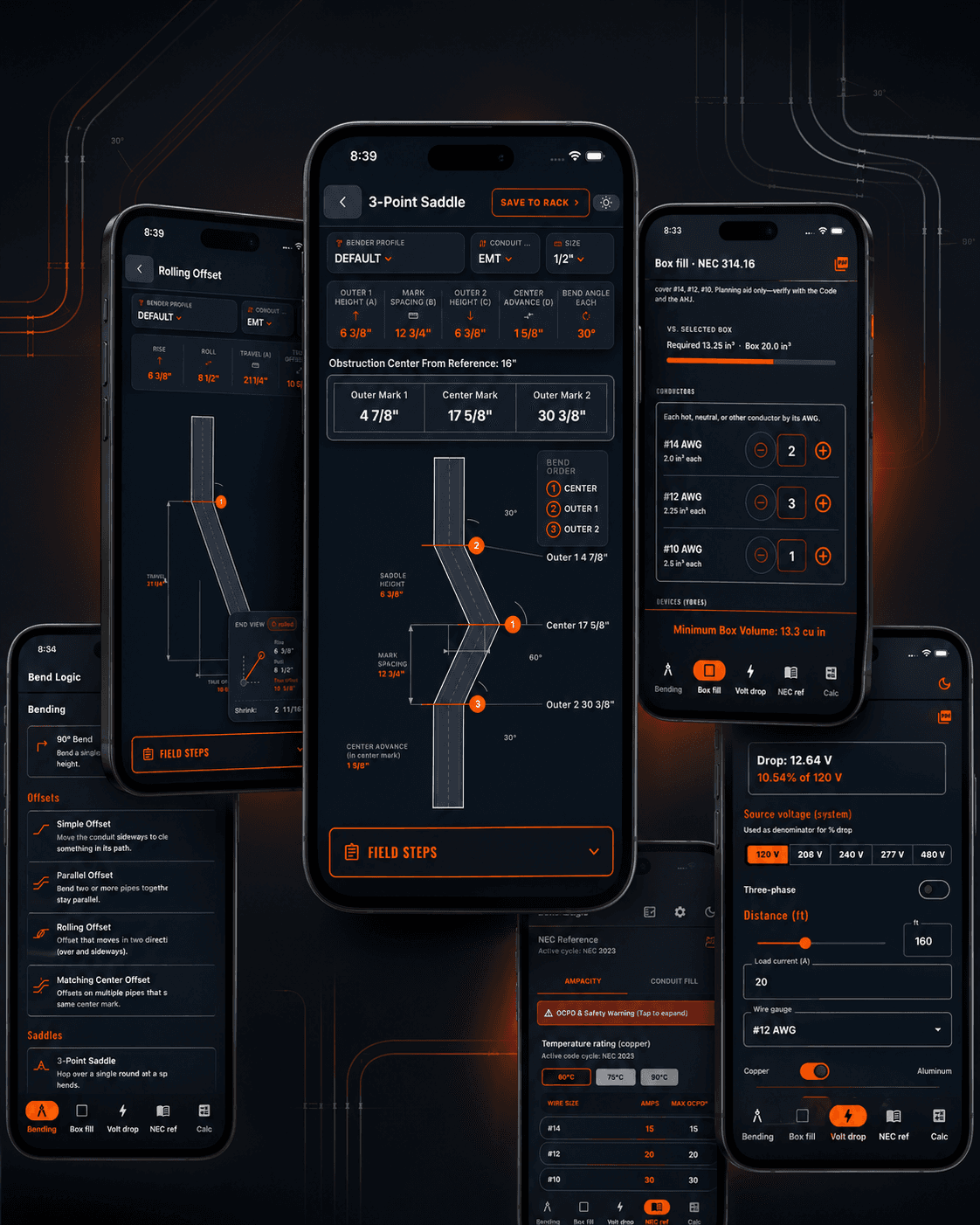
BendLogic turns inputs into a visual layout with marks and distances you can check against the pipe in front of you.

Confirm your marks and measurements against field conditions before bending.
02 / Why BendLogic
Clear visual bend layouts show distances and angles before the first bend.
Take-up, shrink, and deduct are handled across conduit types and sizes.
Calculations run locally, so the tool is ready even when the jobsite has no signal.
03 / Calculator index
Twelve field tools, organized by the work in front of you.
Move conduit around obstacles and keep runs aligned.
Keep the adjustments in the calculation.
Reference calculations for the rest of the install.
04 / In the application
The actual BendLogic interface brings measurements, bend layout, and field steps together on one screen.
Take it into the field
Marks, angles, and sequence are shown alongside the bend diagram.
05 / On the job
Offline
Run calculations locally when service drops out on site.
Visual
Check a layout before you mark or bend the pipe.
Practical
Reach box fill, voltage drop, conduit fill, and NEC reference tools from the same app.
06 / Ready for the next run
Download BendLogic for iPhone or Android and bring the calculations to the pipe.
Available now